Bare metal server Germany: a practical guide
A bare metal server in Germany is a physical machine in a German datacenter that is rented to you alone: no hypervisor layer, no other customers on the same CPU, and full control from the operating system up. This guide explains what single-tenant hardware actually gives you, where it beats cloud instances and where it does not, and how our range in Falkenstein and Nuremberg is organised.
What "bare metal" actually means
The term grew up as a contrast to cloud computing. A cloud instance is a slice of a larger physical host, carved up by a hypervisor that shares CPU, memory, disk and network among many tenants. A bare metal server skips that layer. The operating system you install talks directly to the hardware.
That has a few practical consequences:
- Single tenancy. Every core, every gigabyte of RAM and every drive belongs to you. Nobody else's workload competes for cache or disk bandwidth.
- Full control. You choose the OS, the kernel, the file system and whether to run a hypervisor of your own.
- Predictable performance. With no neighbours, benchmark results on Monday look like benchmark results on Friday.
- Fixed capacity. You rent a machine of a certain size. Growing means upgrading or adding servers, not moving a slider.
"Bare metal" and "dedicated server" describe the same thing. Cloud providers tend to say bare metal; traditional hosts say dedicated. We use both.
When a bare metal server in Germany beats cloud
Steady workloads
Cloud pricing rewards workloads that scale to zero overnight. If your application runs at a steady load all day, every day, you pay for elasticity you never use. A flat monthly price for a whole machine is usually easier to budget and, for constant loads, often cheaper.
Bandwidth-heavy applications
Many cloud platforms bill outbound traffic per gigabyte. Video delivery, file distribution, game servers and backup targets can turn that into the largest line on the invoice. Our servers include an unmetered 1 Gbit/s port, so traffic does not change the bill. Our dedicated server vs cloud comparison looks at this in more depth.
Latency-sensitive and noisy-neighbour-sensitive work
Databases, game servers and real-time applications suffer when another tenant suddenly saturates shared cache or storage. On bare metal that cannot happen.
Licensing and compliance
Some software is licensed per physical core or per physical host, and some compliance frameworks are simpler to satisfy when you can point at one machine that only you use. Hosting in Germany also keeps the data inside the EU under GDPR; our post on why host in Germany covers the legal side.
When cloud is still the better fit
Bare metal is not the answer to everything. Cloud instances make more sense when:
- load is highly spiky and you genuinely need to scale out within minutes;
- you rely on managed services such as hosted queues or serverless functions;
- you need a footprint in many regions at once;
- the workload is small enough that a full server would sit mostly idle.
Many teams end up with a hybrid: steady core services on bare metal, burst capacity in the cloud. If you are coming from a VPS rather than a cloud platform, see our dedicated server vs VPS breakdown.
What every server in our range includes
Whatever size you pick, the baseline is the same:
- unmetered 1 Gbit/s port, with 10 Gbit/s uplinks on request for selected Intel, storage and Dell servers;
- DDoS protection;
- one IPv4 address and a /64 IPv6 block;
- NVMe system drives in RAID 1;
- full root or administrator access and a rescue system;
- 24/7 on-site hardware replacement;
- monthly billing with no minimum term.
The datacenters are ISO 27001:2022 certified and run on 100% renewable electricity, with a 99.9% network availability SLA. You can read more about the facilities on our datacenter page.
Our bare metal range at a glance
The line-up runs from small single-socket machines to 48-core platforms and GPU servers. A representative selection:
| Server | CPU | Memory | Storage | Location | Price |
|---|---|---|---|---|---|
| Core i5-13500 | 14c/20t, up to 4.8 GHz | 64 GB DDR4 | 2 × 512 GB NVMe | Falkenstein | $89/mo, $0 setup |
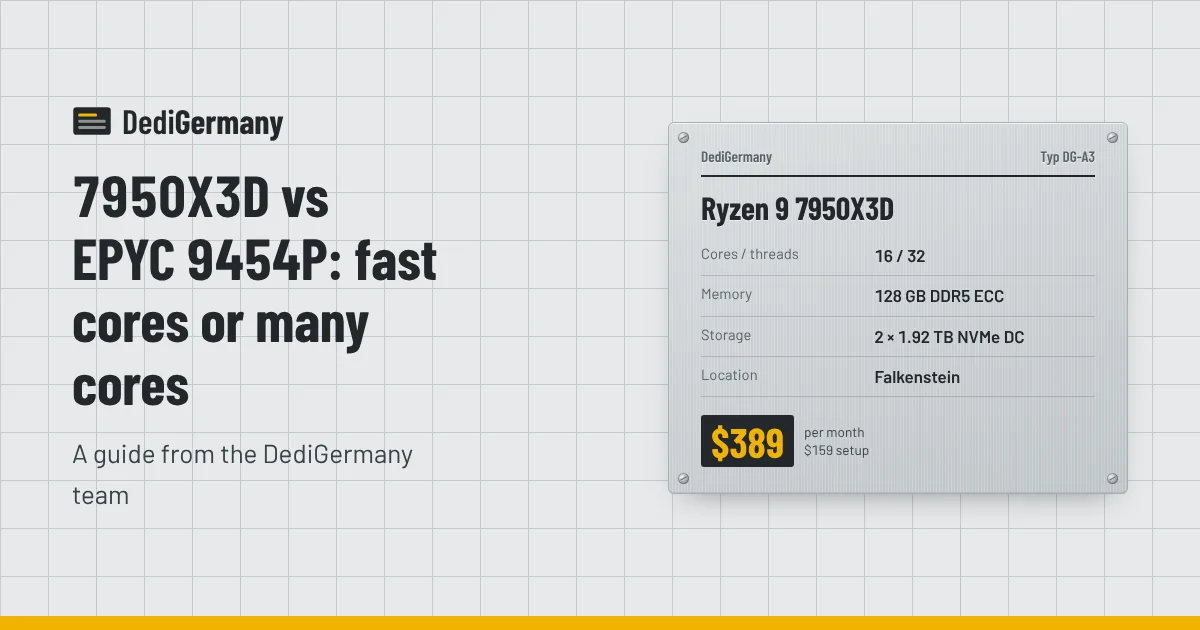
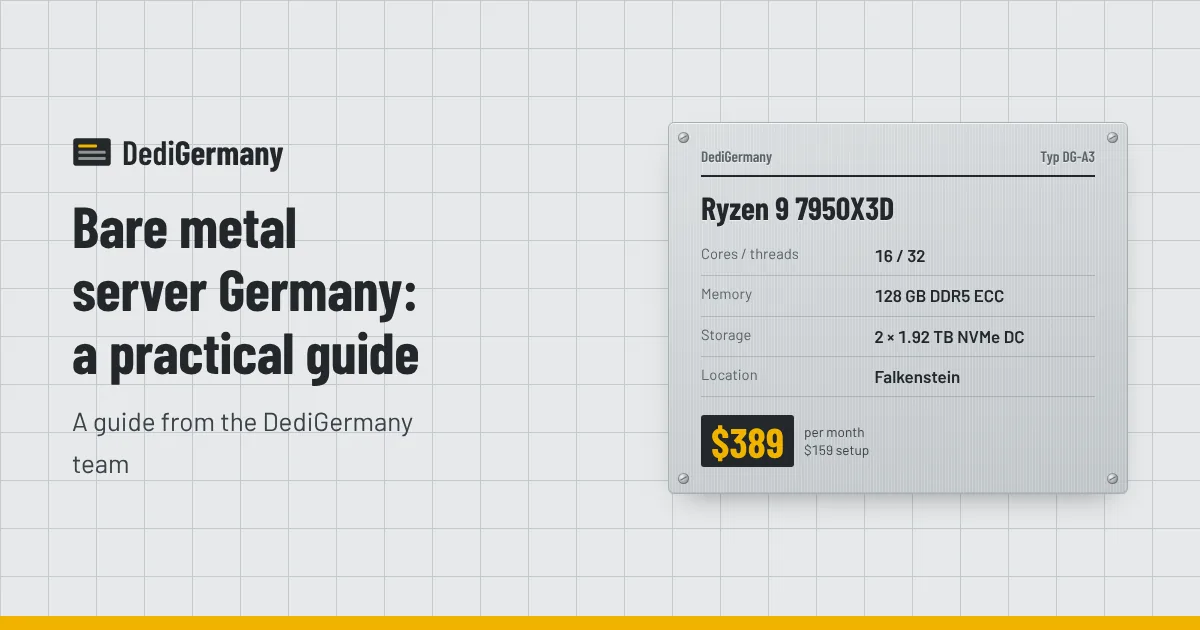
| Ryzen 9 7950X3D | 16c/32t, up to 5.7 GHz | 128 GB DDR5 ECC | 2 × 1.92 TB NVMe DC | Falkenstein | $389/mo, $159 setup |
| EPYC 9454P | 48c/96t, up to 3.8 GHz | 128 GB DDR5 ECC Reg (max 512 GB) | 2 × 1.92 TB NVMe DC | Falkenstein | $929/mo, $369 setup |
| Dell EPYC 9454P | 48c/96t, up to 3.8 GHz | 128 GB DDR5 ECC Reg (max 512 GB) | 2 × 1.92 TB NVMe DC | Nuremberg | $1089/mo, $439 setup |
Beyond these, the range splits into lines by purpose:
- AMD servers from the Ryzen 5 3600 up to EPYC.
- Intel servers from the Core i5-13500 to the 32-core Xeon Gold 6731P.
- Storage servers with 64, 128 or 308 TB of raw hard disk capacity.
- Dell PowerEdge servers in Nuremberg with iDRAC Enterprise, hot-swap drives and redundant titanium power supplies.
- GPU servers with NVIDIA RTX PRO Blackwell cards in Helsinki and Falkenstein.
Choosing the right size
A simple way to size a bare metal server is to work from your current usage plus headroom:
- Measure what you run today. Peak CPU, resident memory, disk used and disk I/O over a busy week.
- Decide on single-thread vs many-thread. Game servers and many PHP applications want high clocks; virtualisation and builds want cores.
- Size memory first. Running out of RAM hurts more than running out of CPU. Pick ECC if the data matters.
- Plan storage separately. NVMe for databases and the OS; hard disks for bulk data and backups.
- Leave room to grow. Several plans list a maximum memory or storage figure, and hardware upgrades are quoted on request.
If you intend to split one machine into many, our Proxmox virtualisation server page shows which plans make good hosts.
Running bare metal day to day
Renting a whole machine means you also own more of the operational work. A few habits make it manageable:
- Use the rescue system. If a kernel update or a firewall rule locks you out, you can boot the rescue system, mount your disks and fix the problem without waiting for anyone.
- Watch disk health. The NVMe drives are mirrored in RAID 1, so one failure does not take you offline, but you should still monitor the array and request a replacement as soon as a drive degrades. Hardware is replaced on site around the clock.
- Automate the build. Keep your server configuration in Ansible, cloud-init style scripts or Docker Compose files. Rebuilding a bare metal server then takes minutes rather than an afternoon.
- Plan backups off the machine. RAID is not a backup. The 1 TB backup storage add-on at $6/mo, or a separate storage server, keeps copies away from the primary disks.
If you would rather hand some of this over, managed support is available for $49/mo on top of any server.
To see every configuration with current prices and add-ons, browse the full dedicated server list, or tell us about your workload and we will suggest a size.