EPYC 9454P dedicated server: 48 cores explained
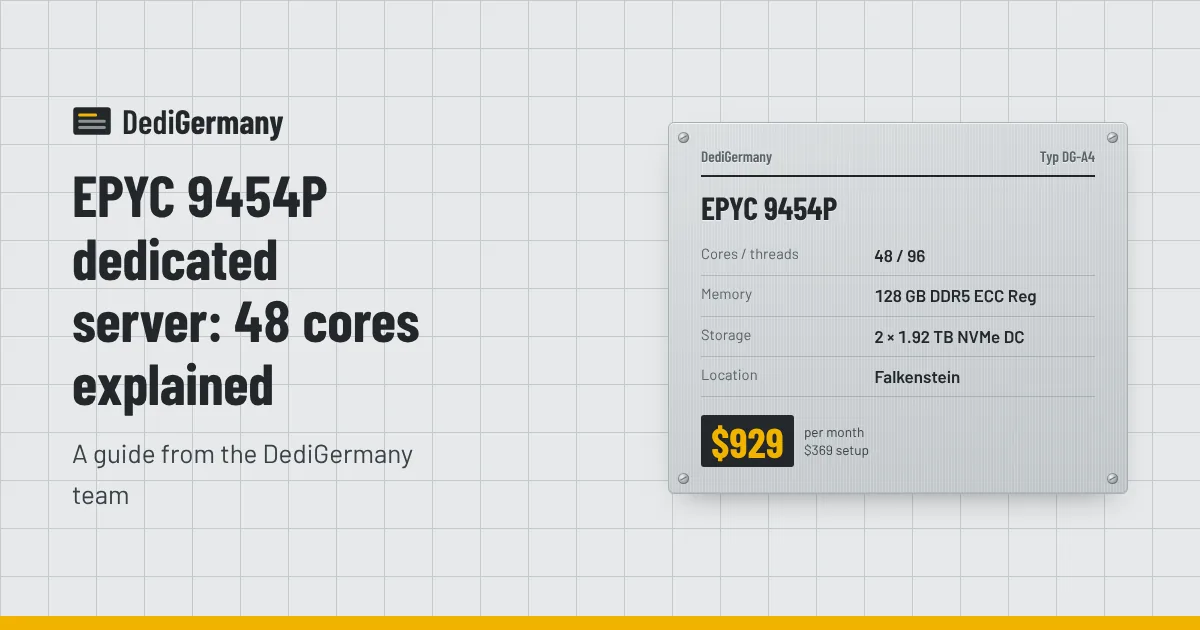
The EPYC 9454P dedicated server gives you 48 Zen 4 cores and 96 threads in a single socket, with 128 GB of DDR5 ECC registered memory that scales to 512 GB. It is built for consolidation: dozens of virtual machines, large databases, container clusters and parallel batch work on one machine. We offer it in two builds, a standard server in Falkenstein and a Dell PowerEdge in Nuremberg, and this post explains the platform and how to choose between them.
What makes the EPYC 9454P different
The 9454P belongs to AMD's 4th generation EPYC family, code-named Genoa. It uses the same Zen 4 core design as current Ryzen desktop chips, but in a server package built around scale rather than peak clock speed. The "P" means it is made for single-socket systems, which avoids the cross-socket latency of two-CPU servers while still delivering a large core count.
Three platform features matter in practice:
- 12 DDR5 memory channels. Desktop CPUs have two. More channels mean far more memory bandwidth and many more DIMM slots, which is how this server reaches 512 GB. Bandwidth matters when 48 cores are all pulling data at once; a desktop platform would leave cores waiting.
- Registered ECC memory. ECC detects and corrects single-bit errors. Registered DIMMs allow high capacities per channel. Both are standard on this plan.
- Lots of PCIe 5.0 lanes. Genoa has enough lanes to feed many NVMe drives and fast network cards without sharing bandwidth.
The trade-off is clock speed. A 3.8 GHz boost is well below the 5.7 GHz of the Ryzen 9 7950X3D, so single-threaded tasks run faster on the desktop-class chip. EPYC wins when the work can be spread across many cores.
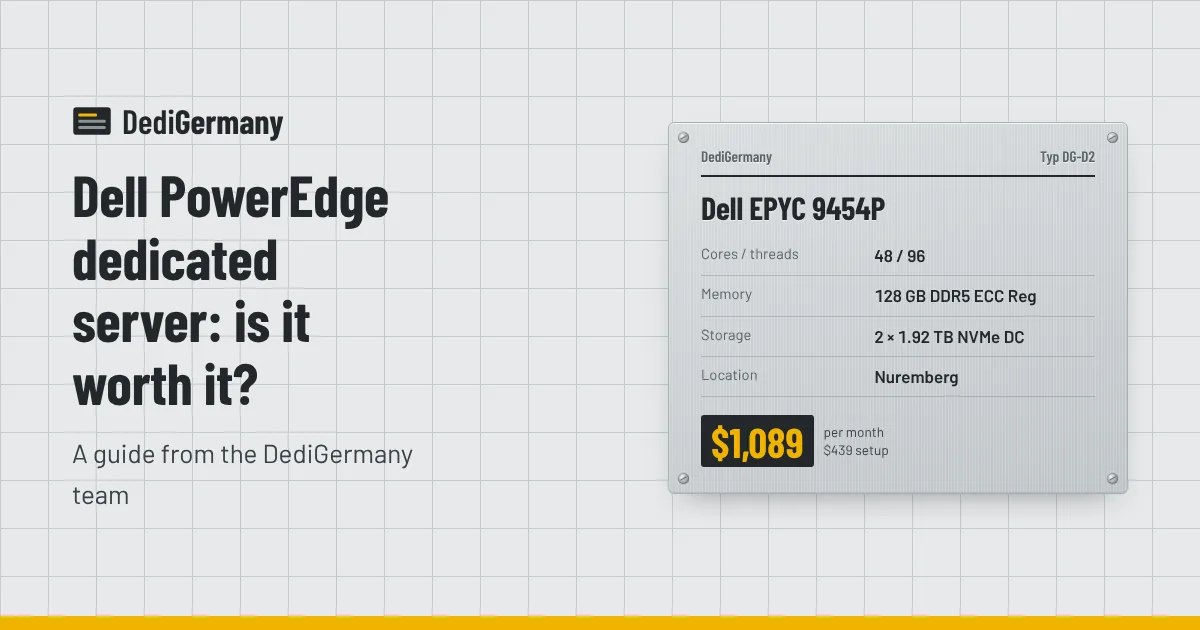
Standard vs Dell EPYC 9454P dedicated server
| EPYC 9454P | Dell EPYC 9454P | |
|---|---|---|
| CPU | 48c/96t, up to 3.8 GHz | 48c/96t, up to 3.8 GHz |
| Memory | 128 GB DDR5 ECC Reg, up to 512 GB | 128 GB DDR5 ECC Reg, up to 512 GB |
| Storage | 2 × 1.92 TB NVMe DC, up to 2 × 15.36 TB | 2 × 1.92 TB NVMe DC, up to 4 × 7.68 TB |
| Management | Rescue system | Rescue system plus iDRAC Enterprise |
| Hardware | Standard chassis | Hot-swap drives, redundant titanium PSUs |
| Location | Falkenstein | Nuremberg |
| Price | $929/mo + $369 setup | $1,089/mo + $439 setup |
When the standard build is enough
The standard server gives you the full CPU and memory platform for $160/mo less. If your workload is replicated across several machines, or your application tolerates a short hardware intervention, it is the better value. It also takes the largest individual drives in this pairing, up to 2 × 15.36 TB, which suits a large database that fits on a mirrored pair.
When the Dell premium is worth it
The Dell PowerEdge build is for single machines that must stay up and stay manageable. iDRAC Enterprise gives you a remote console, virtual media and hardware health data even when the OS will not boot. Redundant titanium power supplies keep the server running if one PSU fails, and hot-swap drive bays mean a failed disk is replaced without powering down. Four drive bays also let you run RAID 10 for more capacity and I/O. A 10 Gbit/s uplink can also be requested for selected Dell servers. Our Dell PowerEdge range page covers the other Dell configurations.
Virtualisation density
This is the workload EPYC was designed for. With 96 threads, CPU is rarely the first limit on a virtualisation host; memory is. Some planning points:
- Start from memory. With 128 GB, after reserving memory for the host and ZFS cache, you have room for a few dozen modest VMs. At 512 GB, you can run many more, or fewer large database and application VMs.
- Overcommit CPU, not RAM. Most VMs are idle most of the time, so assigning more vCPUs than physical threads is normal. Overcommitting memory leads to swapping and unpredictable latency.
- Use the drives well. Datacenter NVMe, typically with power-loss protection, helps keep many VMs writing at once from turning into latency spikes.
Proxmox VE and plain KVM with libvirt both run well here. Our Proxmox setup guide covers installation, ZFS mirrors and networking VMs with extra IPs ($3/mo each, or $25/mo for a /29). The Proxmox virtualisation server page compares suitable plans.
Reserve resources for the host
On a busy hypervisor, leave a few cores and some memory unassigned for the host itself, its storage stack and backups. If you use ZFS, cap the ARC so the cache and your VMs do not compete for the same RAM. With 96 threads you can afford to dedicate some of them to housekeeping, and the guests will see steadier performance as a result.
Other good fits
- Large databases: up to 512 GB of RAM lets a big PostgreSQL or MySQL working set live in memory, and 48 cores handle many concurrent queries and parallel scans.
- Kubernetes and containers: one large node can host a whole development or staging cluster.
- Batch and parallel jobs: video transcoding, scientific computing, large CI fleets and data processing scale across all 48 cores.
- Hosting resellers: one EPYC can replace several smaller nodes, though spreading customers over multiple servers limits the impact of any single failure.
Cost per core and licensing
At $929/mo the standard build works out to about $19.35 per core, cheaper per core than the 7950X3D at about $24.31. Compared with our Intel option at a similar price, the Xeon Gold 6731P (32 cores, $839/mo), the EPYC gives you 16 more cores and twice the maximum memory for $90/mo more.
One caution: software licensed per core gets expensive on a 48-core server. Windows Server Standard is licensed by physical core, so our licence add-on, which starts at $39/mo, costs more on this machine than on a smaller one. Ask us for a quote before you order if you plan to run Windows. For more on how the two AMD flagships differ, see Ryzen 9 7950X3D vs EPYC 9454P.
Choosing your build
If you need the most cores and memory per dollar, choose the standard EPYC 9454P in Falkenstein. If you need remote management and hardware redundancy, choose the Dell build in Nuremberg. Both are billed monthly with no minimum term. Compare them with the rest of the AMD dedicated servers, or contact us for a memory or storage upgrade quote.