Ryzen 9 7950X3D dedicated server explained
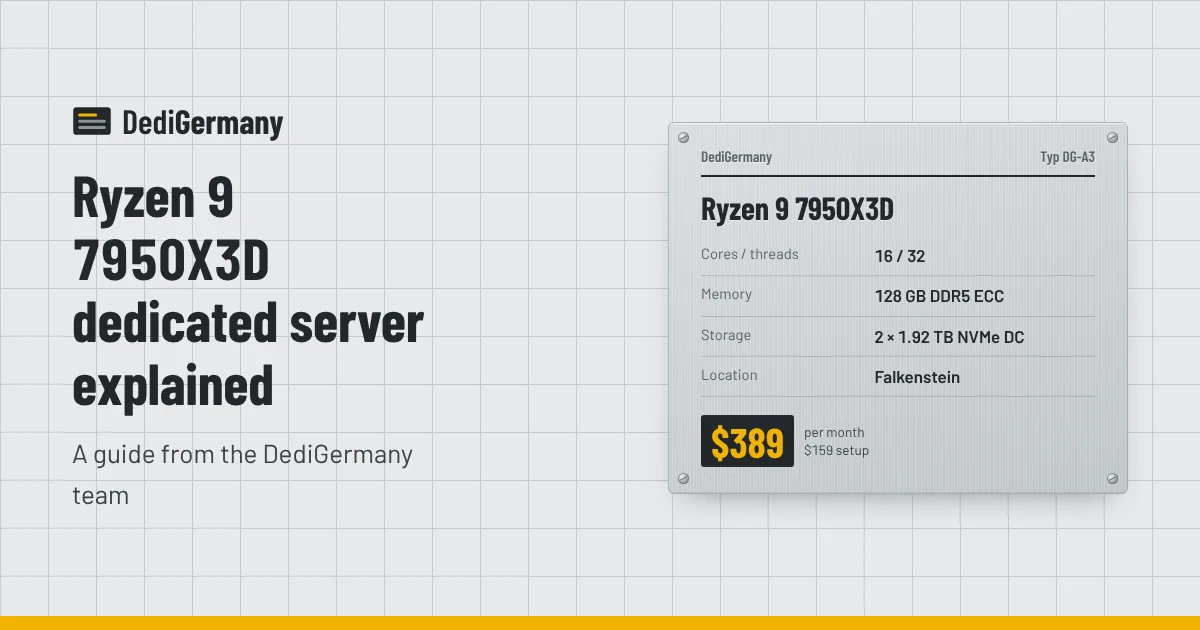
The Ryzen 9 7950X3D dedicated server pairs 16 Zen 4 cores boosting to 5.7 GHz with AMD's 3D V-Cache, 128 GB of DDR5 ECC memory and datacenter-grade NVMe. It is the plan we recommend when one machine has to be fast at everything latency-sensitive: game servers, databases, busy web applications and build pipelines. This post explains what the stacked cache does, who benefits, and when another plan is the better buy.
The Ryzen 9 7950X3D dedicated server at a glance
| Component | Specification |
|---|---|
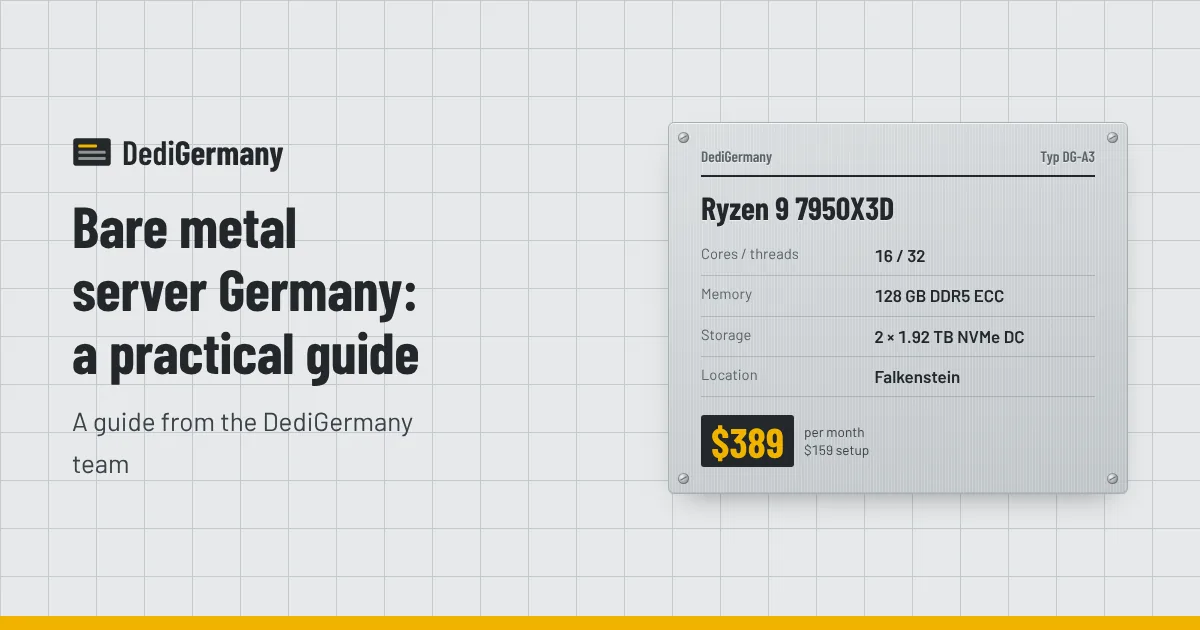
| CPU | AMD Ryzen 9 7950X3D, 16 cores / 32 threads, up to 5.7 GHz |
| Memory | 128 GB DDR5 ECC |
| Storage | 2 × 1.92 TB NVMe DC in RAID 1, upgradable to 2 × 7.68 TB NVMe DC |
| Network | Unmetered 1 Gbit/s, DDoS protection, 1 IPv4 + /64 IPv6 |
| Location | Falkenstein, Germany |
| Price | $389/mo, $159 setup, no minimum term |
See the full configuration and add-ons on the Ryzen 9 7950X3D plan page.
3D V-Cache explained
Every CPU core spends a surprising amount of time waiting for data. Main memory is far slower than the core itself, so CPUs keep recently used data in layers of on-chip cache. The last and largest layer, L3, is shared by the cores on each chiplet.
The 7950X3D is built from two eight-core chiplets (CCDs). On one of them, AMD stacks an extra slice of L3 cache directly on top of the die. That gives the processor 128 MB of L3 in total, with the large majority on the stacked chiplet. When a program's hot working set fits in that cache, the cores spend far less time waiting on DDR5, and performance rises without any change to clock speed.
There is a trade-off inside the chip. The stacked chiplet runs at somewhat lower clocks, while the other chiplet reaches the 5.7 GHz peak. So you effectively get eight "big cache" cores and eight "high frequency" cores. Operating systems and AMD's drivers try to place cache-hungry work on the right chiplet automatically, and on Linux you can make it explicit: lscpu -e or lstopo shows which cores share the larger L3, and taskset or systemd's CPUAffinity= pins a service to them.
Who the 7950X3D is for
Game servers
Game server simulations walk through large sets of entities, chunks and players every tick, mostly on one thread. That is the kind of workload where a big cache helps most, because the same data is touched over and over. Combined with high clocks and 128 GB of memory, one 7950X3D can host many Minecraft, Rust, ARK or FiveM servers, or one very large community. Our game server hosting guide covers RAM sizing per game and running instances with Pterodactyl.
Databases
PostgreSQL, MySQL and MariaDB spend much of their time following indexes and reading hot rows. A large L3 keeps more index pages close to the cores, 128 GB of RAM leaves room for a generous buffer pool, and datacenter NVMe, which typically adds power-loss protection, keeps write latency steadier. ECC is the other half of the story: on a database, a silent memory error can be written to disk and replicated. For a mid-sized production database, this is one of the best-balanced machines in our range; see the database server hosting page for alternatives.
Web applications and CI
Busy PHP, Node.js or Python applications benefit from fast single-thread speed per request, and 32 threads handle plenty of concurrency. For CI and compile jobs, 16 fast cores and fast NVMe make builds noticeably quicker than on older many-core hardware.
How it compares with its neighbours
| Plan | Cores | Boost | RAM | Price | Price per core |
|---|---|---|---|---|---|
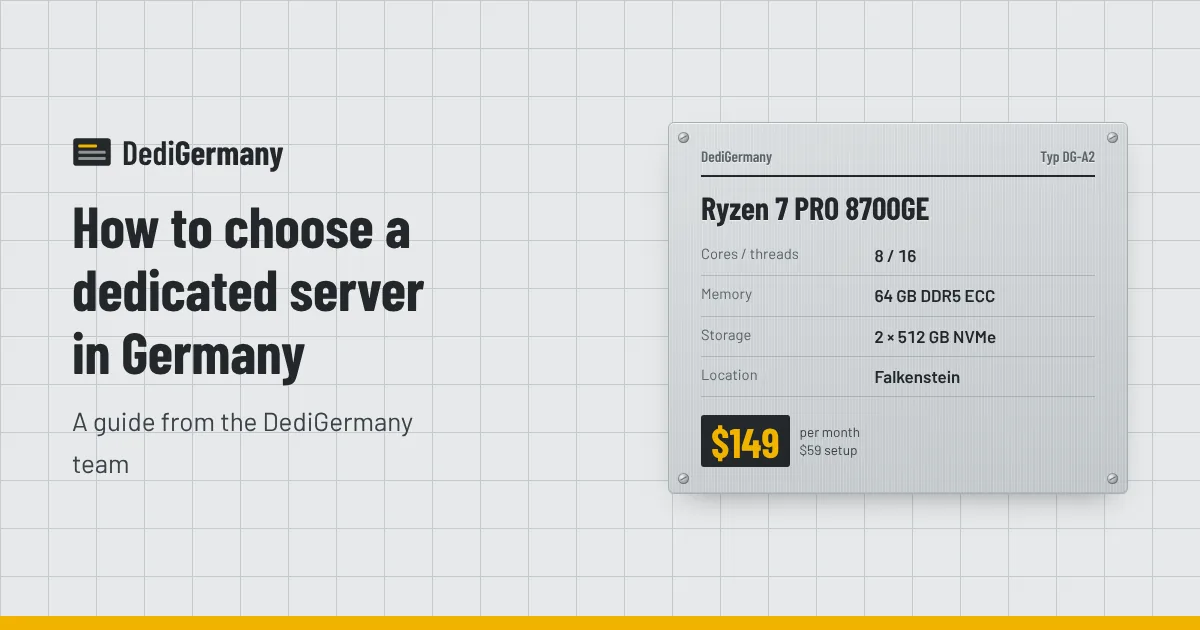
| Ryzen 7 PRO 8700GE | 8c/16t | 5.1 GHz | 64 GB DDR5 ECC | $149/mo | about $18.60 |
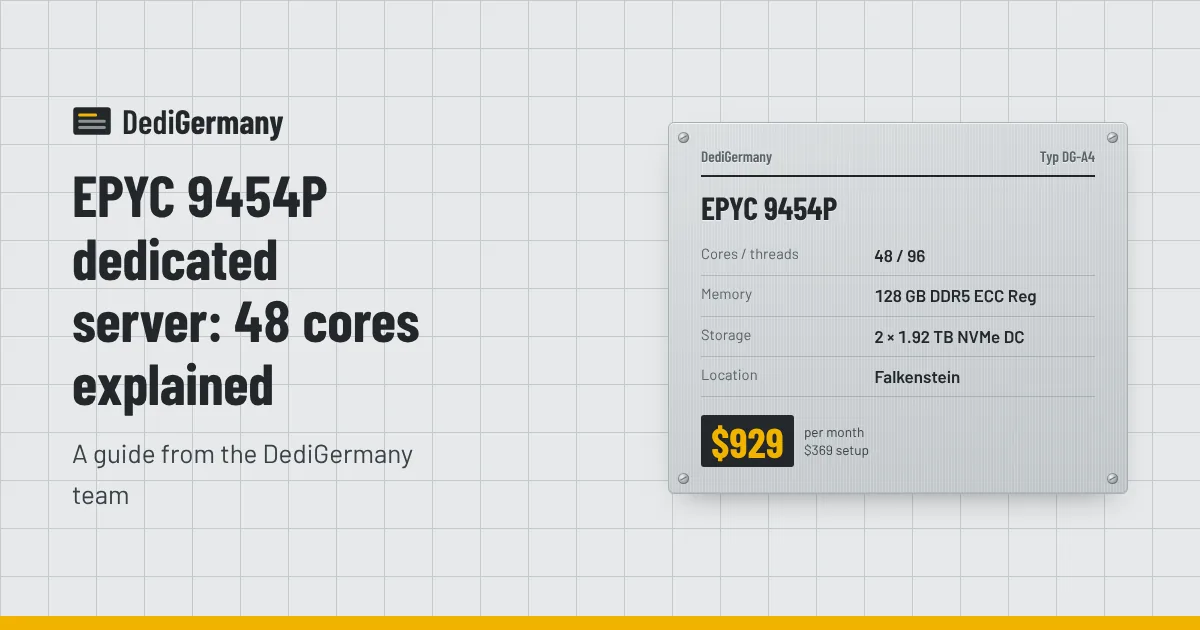
| Ryzen 9 7950X3D | 16c/32t | 5.7 GHz | 128 GB DDR5 ECC | $389/mo | about $24.31 |
| EPYC 9454P | 48c/96t | 3.8 GHz | 128 GB DDR5 ECC Reg, up to 512 GB | $929/mo | about $19.35 |
The 7950X3D costs more per core than either neighbour, and that is the point: you pay for faster cores, more cache and better storage rather than more of them. Compared with the Ryzen 7 PRO 8700GE, you get twice the cores, twice the memory and much larger datacenter NVMe drives. Compared with the EPYC 9454P, you give up core count and memory capacity but gain clock speed, which matters for anything that waits on a single thread.
For a detailed head-to-head, read Ryzen 9 7950X3D vs EPYC 9454P.
Storage and network on this plan
The two 1.92 TB datacenter NVMe drives are mirrored in RAID 1, so a single drive failure does not take the server offline, and 24/7 on-site hardware replacement gets the mirror rebuilt. Datacenter drives typically differ from consumer NVMe in two ways that matter on a busy server: power-loss protection, which lets the drive acknowledge writes safely, and higher write endurance. Database commit latency and game world saves both benefit. If 1.92 TB is not enough, the plan can be upgraded to 2 × 7.68 TB datacenter NVMe.
The network side is the same as the rest of our range: an unmetered 1 Gbit/s port, DDoS protection, one IPv4 address and a /64 IPv6 block. Extra IPv4 addresses cost $3/mo each, which is handy when you want separate addresses for different game communities or client sites.
When to choose something else
- You need more than 128 GB of RAM. The memory is fixed at 128 GB on this plan. The Core Ultra 7 265 scales to 192 GB, and the EPYC 9454P to 512 GB.
- You run many VMs. Dense virtualisation is limited by memory and cores, which favours EPYC.
- You need more than two drives. This plan takes two NVMe drives. Plans like the Core Ultra 7 265 accept four, and our storage servers handle bulk data.
- Your budget is under $150. The 8700GE or the $89 plans cover small sites and a few game servers well.
- You need out-of-band management. Remote console via iDRAC Enterprise is available on our Dell PowerEdge servers, not on this plan.
Setting it up well
A few habits get the most out of this machine. Keep the RAID 1 mirror healthy and monitor it with mdadm or your filesystem's tools. Size database buffers to use the memory, leaving headroom for the OS page cache. If you mix game servers and other services, pin the latency-sensitive ones to the cache chiplet and put background jobs on the others. And keep backups off the server: the 1 TB backup storage add-on costs $6/mo.
Browse the full AMD dedicated server line-up, or order the 7950X3D from its plan page; most servers are online within 24 hours.