GPU server for AI: sizing VRAM for inference
When choosing a GPU server for AI inference, the first question is not speed but fit: the model's weights and its working memory must fit in GPU memory. Quantisation decides how much VRAM a given model needs, and that in turn decides whether 24 GB, 96 GB or 384 GB is the right tier. This guide walks through the arithmetic, the serving software, and where to host the server.
Why VRAM is the deciding spec
During inference, a large language model keeps two things in GPU memory:
- The weights. One number per parameter. Their size depends on the number of parameters and the precision used to store each one.
- The KV cache. Intermediate attention data for every token in every active request. It grows with context length and the number of concurrent users.
If the weights do not fit, the model either will not load or has to spill to system memory, which slows generation dramatically. So the practical rule is: pick the smallest VRAM tier that holds the weights at your chosen precision with comfortable room left for the KV cache.
Quantisation and the VRAM arithmetic
The memory needed for weights is roughly the parameter count multiplied by bytes per parameter:
- 16-bit (FP16 or BF16): 2 bytes per parameter;
- 8-bit: 1 byte per parameter;
- 4-bit: about 0.5 bytes per parameter, often 0.55-0.6 in practice once quantisation scales are included.
That gives these approximate weight sizes, before the KV cache and runtime overhead:
| Model size | 16-bit | 8-bit | 4-bit |
|---|---|---|---|
| 8B parameters | ~16 GB | ~8 GB | ~4 GB |
| 14B parameters | ~28 GB | ~14 GB | ~7 GB |
| 32B parameters | ~64 GB | ~32 GB | ~16 GB |
| 70B parameters | ~140 GB | ~70 GB | ~35 GB |
| 120B parameters | ~240 GB | ~120 GB | ~60 GB |
Lower precision saves memory and usually increases throughput, at some cost to output quality. Well-made 8-bit quantisations are generally close to the original; 4-bit is a reasonable trade for many chat and retrieval tasks, but test it against your own prompts before committing.
Leave headroom. Long contexts and many simultaneous users can make the KV cache as large as a small model. A model whose weights fill nearly all of the VRAM will load, but it will handle very little concurrent traffic.
Choosing a GPU server for AI: 24 vs 96 vs 384 GB
| Server | GPU | Host CPU / RAM | Location | Price |
|---|---|---|---|---|
| RTX PRO 4000 GPU | 1 × RTX PRO 4000 Blackwell SFF, 24 GB GDDR7 ECC | Core i5-13500, 64 GB DDR4 | Helsinki | $329/mo, $259 setup |
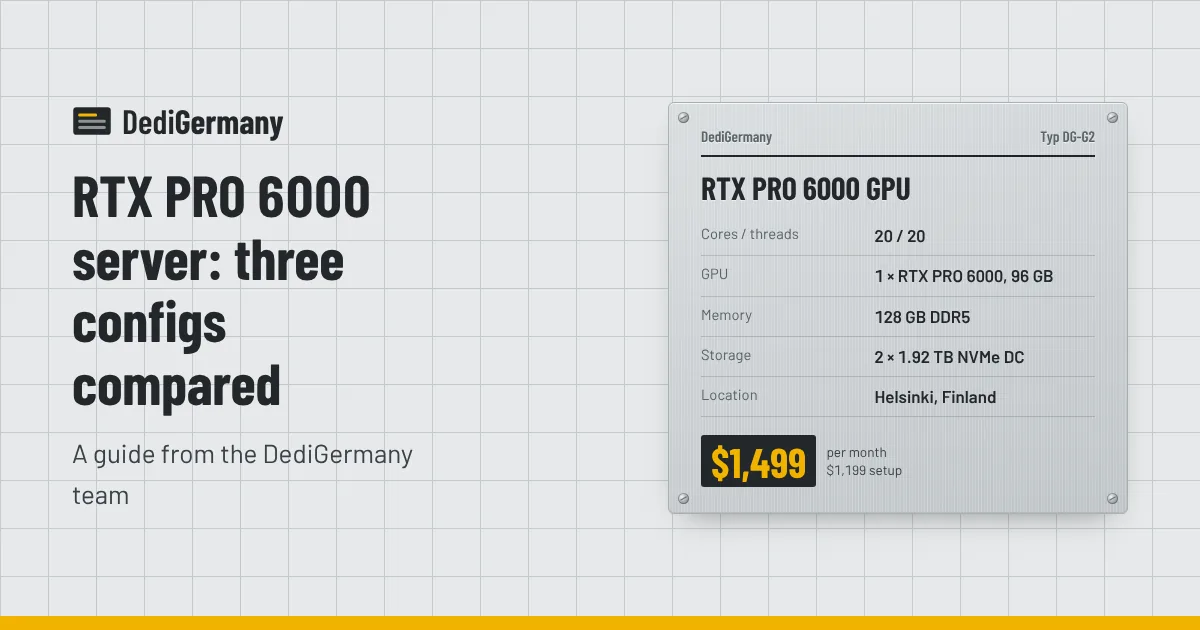
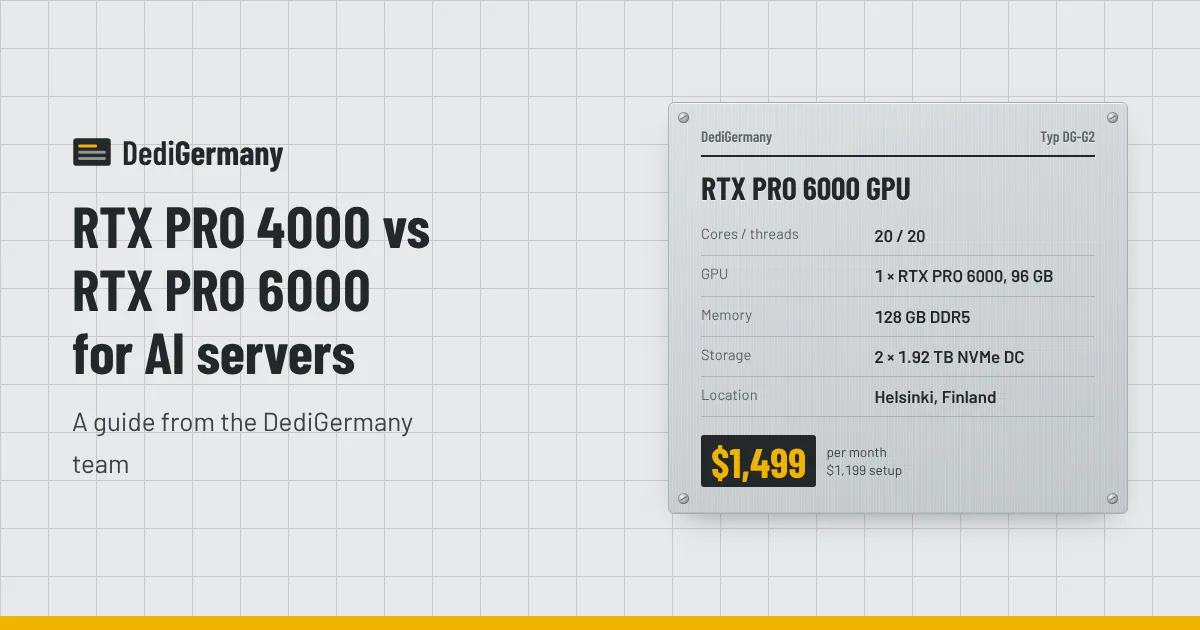
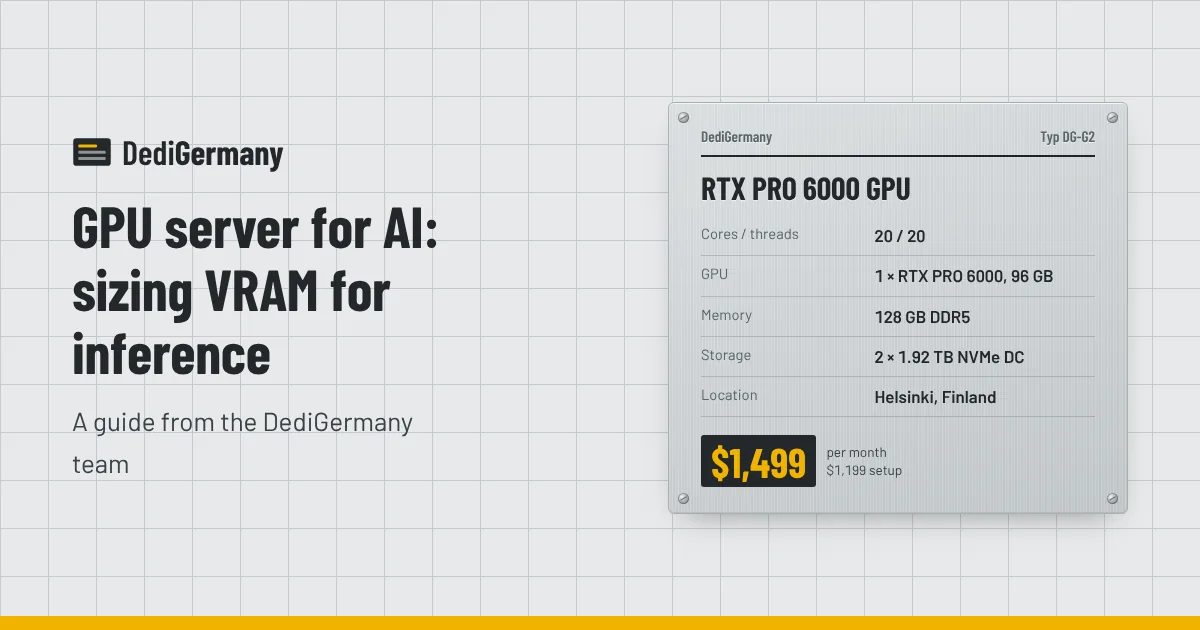
| RTX PRO 6000 GPU | 1 × RTX PRO 6000 Blackwell Max-Q, 96 GB GDDR7 ECC | Core Ultra 7 265, 128 GB DDR5 | Helsinki | $1499/mo, $1199 setup |
| RTX PRO 6000 Xeon GPU | 1 × RTX PRO 6000 Blackwell Max-Q, 96 GB GDDR7 ECC | Xeon Gold 5412U, 256 GB DDR5 ECC Reg (max 768 GB) | Falkenstein | $2249/mo, $1799 setup |
| 4 × RTX PRO 6000 GPU | 4 × RTX PRO 6000 Blackwell Max-Q, 384 GB GDDR7 ECC in total | Xeon Gold 5412U, 128 GB DDR5 ECC Reg | Helsinki | $5399/mo, $4319 setup |
24 GB: small models and embeddings
The RTX PRO 4000 server comfortably runs 7B to 14B models at 8-bit, and 32B models at 4-bit with only a short context. It is also a good fit for embedding models, rerankers, speech-to-text and image generation. For an internal assistant, a retrieval pipeline or a prototype, it is the economical starting point.
96 GB: the single-card sweet spot
One RTX PRO 6000 holds a 70B model at 4-bit with plenty of room for the KV cache, or a 32B model at 16-bit. Keeping everything on a single card avoids the overhead of splitting a model across GPUs. Choose the Helsinki version for pure inference; choose the Xeon version in Falkenstein if you also need a lot of system memory for data preprocessing, vector databases or CPU-side work, or if you want the server in Germany. Our RTX PRO 6000 server overview compares the configurations in more depth.
384 GB: large models and high concurrency
Four RTX PRO 6000 cards give 384 GB of VRAM in total. That is enough for a 70B model at 16-bit with room to spare, or a model in the 120B range at 8-bit, served to many users at once. The model is split across the cards with tensor parallelism, which serving frameworks such as vLLM handle for you.
Ollama or vLLM?
Both run on our GPU servers, which ship with Ubuntu or Debian. We can preinstall the NVIDIA driver and CUDA so you can start straight away.
- Ollama is the fastest path from a fresh server to a working model. It downloads quantised models, exposes a simple HTTP API and suits a single developer or a small team.
- vLLM is built for serving. It batches requests from many users together, manages the KV cache efficiently and exposes an OpenAI-compatible API. Use it for production traffic and for multi-GPU servers.
A common pattern is to experiment with Ollama on a smaller card, then move to vLLM on a 96 GB or 384 GB server when the workload is known. Docker images exist for both, which makes switching easy.
Finland vs Germany for GPU hosting
Most of our GPU servers are in Helsinki, Finland, where the cool climate helps with cooling dense, power-hungry hardware. The RTX PRO 6000 Xeon server is in our Falkenstein datacenter in Germany. Both countries are in the EU, so GDPR applies either way; our article on hosting in Germany under GDPR covers the legal background.
For inference behind an API, the extra distance from Finland to Western or Southern Europe adds a little to network round-trip time, which is usually small compared with the time a model takes to generate a response. If you want the GPU server in the same German facility as your application servers, pick the Xeon configuration. Our post on choosing a server location in Europe compares locations more broadly.
A quick sizing checklist
- Choose the largest model you realistically need and the precision you will accept.
- Calculate the weight size with the table above.
- Add headroom for the KV cache based on context length and concurrent users.
- Pick the smallest tier that fits, then confirm with a test deployment.
Compare all configurations on the GPU servers page, or send us your model and traffic estimate and we will suggest a size.