RTX PRO 4000 vs RTX PRO 6000 for AI servers
The choice between RTX PRO 4000 vs RTX PRO 6000 comes down to one number: 24 GB or 96 GB of VRAM. If your model and its context fit in 24 GB, the RTX PRO 4000 server costs a fraction of the price and does the job; if they don't, no amount of tuning will make them fit, and the RTX PRO 6000 is the realistic option. This article compares our three single-card GPU configurations, shows how to estimate what fits, and explains when the bigger card pays for itself.
The three configurations side by side
We offer one RTX PRO 4000 server and two RTX PRO 6000 servers. The GPU is the headline, but the host machine around it matters too: CPU cores for tokenisation and pre-processing, system RAM for loading weights and running data pipelines, and NVMe space for model files and datasets.
| Plan | GPU | Host CPU | System RAM | Storage | Location | Price |
|---|---|---|---|---|---|---|
| RTX PRO 4000 GPU | 1 × RTX PRO 4000 Blackwell SFF, 24 GB GDDR7 ECC | Core i5-13500, 14c/20t | 64 GB DDR4 | 2 × 512 GB NVMe | Helsinki, Finland | $329/mo, setup $259 |
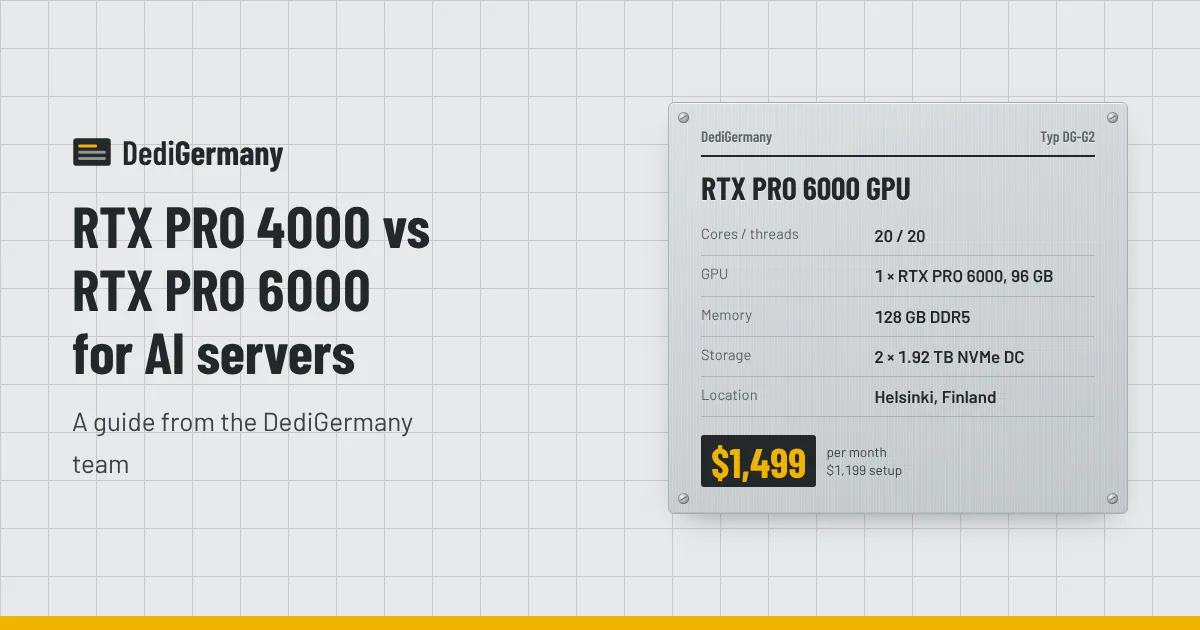
| RTX PRO 6000 GPU | 1 × RTX PRO 6000 Blackwell Max-Q, 96 GB GDDR7 ECC | Core Ultra 7 265, 20c/20t | 128 GB DDR5 | 2 × 1.92 TB NVMe DC | Helsinki, Finland | $1499/mo, setup $1199 |
| RTX PRO 6000 Xeon GPU | 1 × RTX PRO 6000 Blackwell Max-Q, 96 GB GDDR7 ECC | Xeon Gold 5412U, 24c/48t | 256 GB DDR5 ECC Reg (max 768 GB) | NVMe DC, up to 4 × 3.84 TB | Falkenstein, Germany | $2249/mo, setup $1799 |
All three come with full root access, an unmetered 1 Gbit/s port, DDoS protection, 1 IPv4 plus a /64 IPv6, and monthly billing with no minimum term. You can browse the full range on our GPU servers page.
How much VRAM does a model need?
A quick estimate gets you most of the way. Model weights take roughly the parameter count multiplied by the bytes per parameter:
- FP16 or BF16: 2 bytes per parameter, so a 7B model needs about 14 GB.
- 8-bit quantisation: about 1 byte per parameter, so a 13B model needs about 13 GB.
- 4-bit quantisation: about 0.5-0.6 bytes per parameter, so a 70B model needs about 35-40 GB.
On top of the weights you need room for the KV cache, which grows with context length and the number of concurrent requests, plus some overhead for the inference runtime itself. A safe habit is to leave 20-30% of VRAM free after loading the weights. If you plan to serve many users at once with long prompts, leave more.
We go deeper on quantisation trade-offs and runtimes in our guide to sizing a GPU server for AI.
What fits on 24 GB vs 96 GB
Applying that arithmetic to the two cards gives a practical picture:
| Workload | RTX PRO 4000 (24 GB) | RTX PRO 6000 (96 GB) |
|---|---|---|
| 7-8B model at FP16 | Fits, moderate context | Fits with large context and many parallel requests |
| 13-14B model at 8-bit | Fits, limited headroom | Fits comfortably |
| 30-34B model at 4-bit | Tight; short context only | Fits comfortably, or run it at 8-bit |
| 30-34B model at FP16 | Does not fit | Fits, with modest headroom |
| 70B model at 4-bit | Does not fit | Fits with room for context |
| 70B model at 8-bit | Does not fit | Tight; small batch and context |
| Embeddings, rerankers, Whisper-class speech models | Fits well | Fits, but likely oversized |
The pattern is clear. The RTX PRO 4000 is a strong card for small and mid-sized models, embedding services, speech-to-text and image generation. The RTX PRO 6000 is the entry point for 70B-class models on one GPU, for running a 30B-class model without heavy quantisation, or for keeping several smaller models loaded side by side.
If you need more than 96 GB, our 4 × RTX PRO 6000 server offers 384 GB of VRAM in total across four cards, which tools such as vLLM can use with tensor parallelism.
Host CPU and RAM: why the box around the GPU matters
The RTX PRO 4000 server runs on a Core i5-13500 with 64 GB of DDR4. For a single inference service that is plenty: the GPU does the heavy work and the CPU handles HTTP, tokenisation and queueing. Where it can feel small is when you also run vector databases, data preparation jobs or several containers on the same machine.
The standard RTX PRO 6000 server pairs the card with a Core Ultra 7 265 and 128 GB of DDR5. That is a sensible ratio: system RAM exceeds VRAM, so you can load a full 96 GB model into memory before moving it to the GPU without swapping.
The RTX PRO 6000 Xeon server is the one to pick when the GPU is part of a larger workload. It has 24 cores and 48 threads, 256 GB of registered ECC memory expandable to 768 GB, and room for up to four 3.84 TB datacenter NVMe drives. That suits retrieval pipelines with large indexes, fine-tuning jobs that stream big datasets, or a team running a database and an inference service on one host. It is also the only one of the three in Germany, which matters if your data has to stay in our Falkenstein datacenter for contractual or GDPR reasons; see why companies host in Germany.
Cost comparison
Using our listed prices:
| Plan | Monthly | Setup | First month total | Monthly cost per GB of VRAM |
|---|---|---|---|---|
| RTX PRO 4000 GPU | $329 | $259 | $588 | about $13.70 |
| RTX PRO 6000 GPU | $1499 | $1199 | $2698 | about $15.60 |
| RTX PRO 6000 Xeon GPU | $2249 | $1799 | $4048 | about $23.40 |
Per gigabyte of VRAM, the RTX PRO 4000 and the standard RTX PRO 6000 are close. The real question is whether you need the memory in one place. Four RTX PRO 4000 servers give you 96 GB of VRAM in total for $1316 a month, but split across four machines; a 70B model cannot simply be spread across them the way it can across cards in one chassis. If your workload is many small independent models or a horizontally scaled API, several RTX PRO 4000 servers can make sense. If it is one large model, the single 96 GB card is the right tool.
The premium on the Xeon version buys the bigger, ECC-protected host and the German location rather than more GPU.
RTX PRO 4000 vs RTX PRO 6000: which one should you choose?
Choose the RTX PRO 4000 if
- Your models are 14B parameters or smaller, or you serve embeddings, speech or image models.
- You are prototyping and want to keep monthly cost low.
- You want to scale out with several independent nodes.
Choose the RTX PRO 6000 if
- You need a 70B-class model on one GPU, or a 30B-class model at higher precision.
- You want long context windows or high concurrency without running out of KV cache.
- You want several models loaded at once behind a single endpoint.
Choose the RTX PRO 6000 Xeon if
- The GPU shares the machine with memory-hungry services or large datasets.
- You need the server hosted in Germany.
- You want registered ECC system memory alongside the ECC VRAM.
Every GPU server ships with Ubuntu or Debian, and we can preinstall the NVIDIA driver and CUDA so you can start pulling models with Ollama or vLLM straight away. For a closer look at the larger card, read our RTX PRO 6000 server overview, or compare all three configurations on the GPU server line page.