RTX PRO 6000 server: three configs compared
An RTX PRO 6000 server puts 96 GB of GPU memory on a single card, which is enough to hold large language models that would otherwise need two or more smaller GPUs. We offer three configurations built around the NVIDIA RTX PRO 6000 Blackwell Max-Q: a single card on a Core Ultra 7 265 host, a single card on a Xeon host with more system memory, and a four-card server with 384 GB of VRAM. This article compares them so you can pick the right one the first time.
Why 96 GB on one card matters
For inference and fine-tuning, GPU memory is usually the first limit you hit. Model weights, the KV cache for each active request and any activations all have to sit in VRAM. When a model does not fit on one card you have to split it across several, which adds configuration work and inter-GPU traffic.
The arithmetic is simple: a model needs roughly its parameter count multiplied by the bytes per parameter. A 70B model needs about 140 GB at 16-bit precision, about 70 GB at 8-bit and about 35-40 GB at 4-bit. On a 24 GB card such as the one in our RTX PRO 4000 GPU server, a 70B model does not fit even at 4-bit. On a 96 GB RTX PRO 6000 it fits at 4-bit with memory left over for long contexts and concurrent users, and at 8-bit with much less headroom.
The memory is GDDR7 with ECC, so single-bit errors are corrected in hardware. That matters for long training runs and for services that stay up for weeks. The Max-Q edition is the lower-power variant of the card, designed for systems that pack several GPUs closely together.
Our three RTX PRO 6000 server configurations side by side
| Spec | RTX PRO 6000 GPU | RTX PRO 6000 Xeon GPU | 4 × RTX PRO 6000 GPU |
|---|---|---|---|
| GPU | 1 × RTX PRO 6000 Blackwell Max-Q | 1 × RTX PRO 6000 Blackwell Max-Q | 4 × RTX PRO 6000 Blackwell Max-Q |
| VRAM | 96 GB GDDR7 ECC | 96 GB GDDR7 ECC | 384 GB GDDR7 ECC in total |
| CPU | Intel Core Ultra 7 265, 20 cores | Intel Xeon Gold 5412U, 24c/48t | Intel Xeon Gold 5412U, 24c/48t |
| System memory | 128 GB DDR5 | 256 GB DDR5 ECC Reg (up to 768 GB) | 128 GB DDR5 ECC Reg |
| Storage | 2 × 1.92 TB NVMe DC | NVMe DC (up to 4 × 3.84 TB) | 2 × 1.92 TB NVMe DC |
| Location | Helsinki, Finland | Falkenstein, Germany | Helsinki, Finland |
| Price | $1,499/mo | $2,249/mo | $5,399/mo |
| Setup fee | $1,199 | $1,799 | $4,319 |
All three include an unmetered 1 Gbit/s port, DDoS protection, one IPv4 address plus a /64 IPv6 block, and monthly billing with no minimum term.
RTX PRO 6000 GPU: the single-card starting point
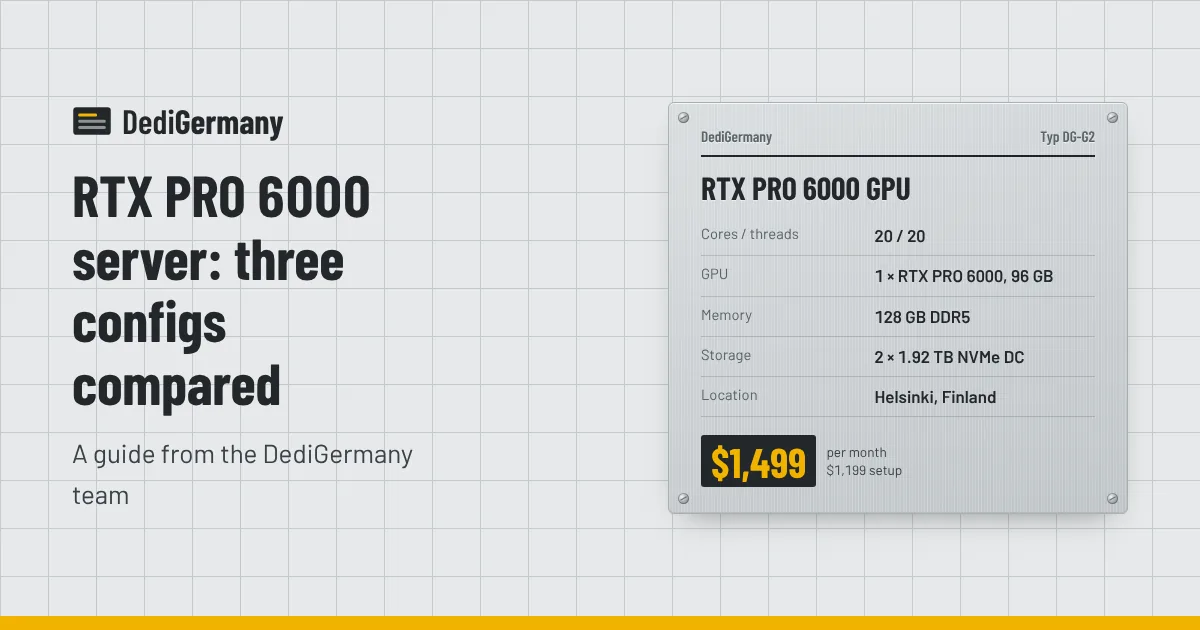
The RTX PRO 6000 GPU server pairs the card with an Intel Core Ultra 7 265 (20 cores, up to 5.3 GHz), 128 GB of DDR5 and two 1.92 TB datacenter NVMe drives. It is the lowest-cost way to get 96 GB of VRAM, at about $15.61 per GB of GPU memory per month.
The host CPU has high clock speeds, which helps with tokenisation, request handling and data preprocessing that runs on the CPU. 128 GB of system memory is more than the card's 96 GB, so you can load a model into RAM before moving it to the GPU without swapping.
Good fits:
- Serving one large quantised model (for example a 70B model at 4-bit or 8-bit) with
vLLMor Ollama. - Fine-tuning mid-sized models with LoRA or QLoRA.
- Image and video generation pipelines that need large batches or high resolutions.
- 3D rendering and simulation jobs that run out of memory on 24 GB cards.
RTX PRO 6000 Xeon GPU: more memory, hosted in Germany
The RTX PRO 6000 Xeon GPU server uses the same card but changes the platform around it. The Xeon Gold 5412U has 24 cores and 48 threads, the system memory is 256 GB of registered ECC DDR5 and can be raised to 768 GB, and storage can grow to 4 × 3.84 TB of datacenter NVMe.
Two reasons to pay the extra $750 a month over the single-card Core Ultra build:
- Location. It is the only RTX PRO 6000 configuration in our Falkenstein datacenter. If your data has to stay in Germany, or your users and other servers are already there, this keeps everything on one network. Our post on hosting in Germany for GDPR covers why that can matter.
- Host capacity. ECC registered memory and a server platform suit workloads where the CPU side is heavy too: retrieval-augmented generation with a large vector index in RAM, data pipelines that feed the GPU, or several containers sharing the card.
4 × RTX PRO 6000 GPU: 384 GB for the largest models
The 4 × RTX PRO 6000 GPU server puts four cards in one machine for 384 GB of VRAM, with a Xeon Gold 5412U host, 128 GB of registered ECC DDR5 and two 1.92 TB NVMe DC drives. At $5,399 a month it is also the cheapest per GB of GPU memory of the three RTX PRO 6000 configurations, at about $14.06 per GB.
Use it when:
- You want to run very large models at 8-bit or 16-bit precision, split across GPUs with tensor parallelism in vLLM or a similar engine.
- You serve several models at once and want one per card.
- You fine-tune models that need more than 96 GB for weights, gradients and optimiser state.
Note that system memory (128 GB) is smaller than total VRAM (384 GB). Inference engines that load weights in shards straight to the GPUs handle this fine, but if your tooling loads a whole checkpoint into RAM first, plan for it or ask us about options.
Finland or Germany for a GPU server
Two of the three RTX PRO 6000 configurations are hosted in Helsinki, Finland, and one in Falkenstein, Germany. Both are inside the EU, so GDPR applies in either place. For batch work such as training, embedding generation or rendering, location barely matters. For interactive inference, choose the site closer to your users or to the application servers that call the model. If your app runs on one of our German servers, the Xeon configuration keeps the GPU on the same side. Our guide to GPU servers for AI inference goes deeper into sizing VRAM and choosing a location.
Which one to choose
| If you need | Choose |
|---|---|
| 96 GB of VRAM at the lowest price | RTX PRO 6000 GPU |
| 96 GB of VRAM in Germany, or lots of system RAM | RTX PRO 6000 Xeon GPU |
| More than 96 GB in one model, or several large models | 4 × RTX PRO 6000 GPU |
| Small models, testing, or under 24 GB of VRAM | RTX PRO 4000 GPU |
If you are unsure whether 24 GB is enough, the comparison of the RTX PRO 4000 and RTX PRO 6000 walks through which model sizes fit on each. Every GPU server ships with Ubuntu or Debian, and we can preinstall the NVIDIA driver and CUDA so you can start working straight away.
See all four configurations with current stock on the GPU servers page, or contact us if you need a different amount of memory or storage.