Cheap dedicated server Germany: what $89 buys
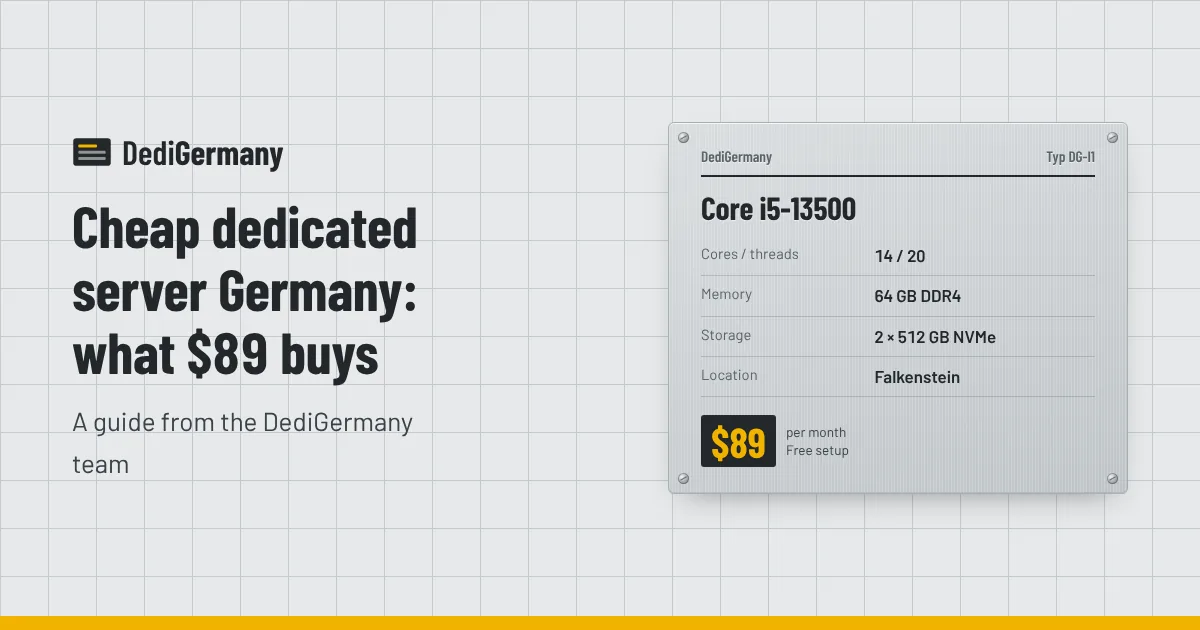
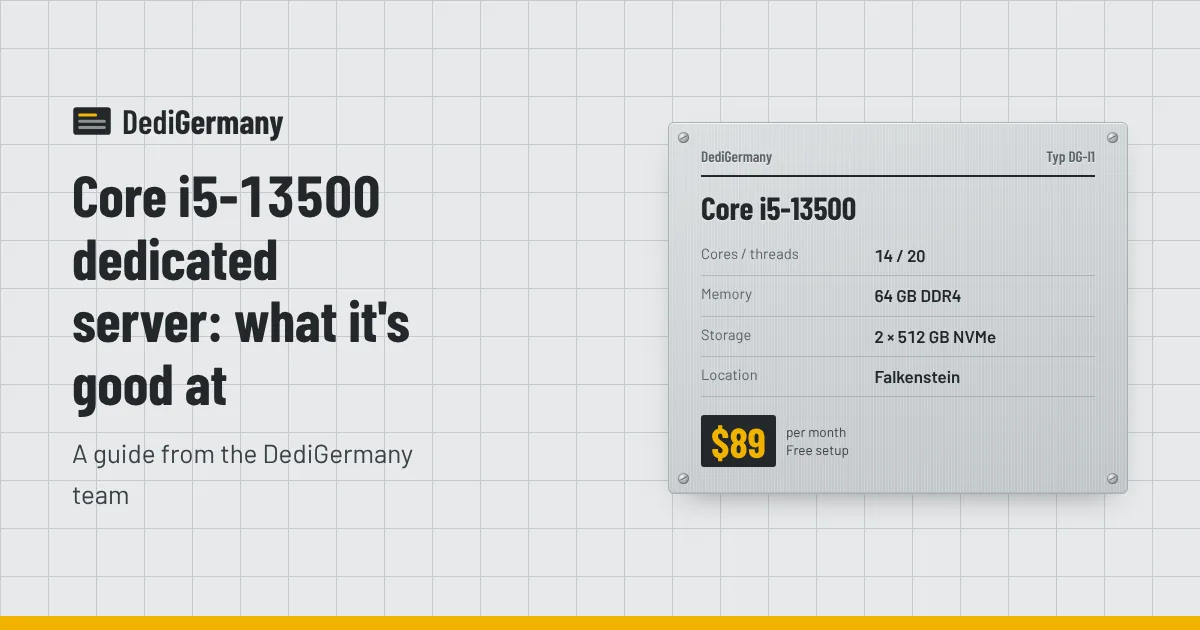
A cheap dedicated server in Germany does not have to mean an old or underpowered one. At $89 per month with no setup fee you can rent either a Ryzen 5 3600 or a Core i5-13500, each with 64 GB of RAM and two NVMe drives in RAID 1, hosted in our Falkenstein datacenter. This guide explains how the two differ, when the server auction is the cheaper route, and which add-ons can quietly raise your monthly bill.
What a cheap dedicated server in Germany gets you for $89
Both entry plans share the same price and the same core platform around the CPU. The differences are in the processor itself.
| Spec | Ryzen 5 3600 | Core i5-13500 |
|---|---|---|
| Cores / threads | 6 / 12 | 14 / 20 |
| Max boost clock | 4.2 GHz | 4.8 GHz |
| Memory | 64 GB DDR4 | 64 GB DDR4 |
| Storage | 2 × 512 GB NVMe | 2 × 512 GB NVMe |
| Location | Falkenstein, Germany | Falkenstein, Germany |
| Price | $89/mo, $0 setup | $89/mo, $0 setup |
On top of the hardware, every server includes an unmetered 1 Gbit/s port, DDoS protection, one IPv4 address plus a /64 IPv6 block, full root or administrator access, a rescue system and 24/7 on-site hardware replacement. There is no bandwidth bill to worry about, which is often where low headline prices elsewhere stop being low.
Ryzen 5 3600 vs Core i5-13500 at the same price
The Ryzen 5 3600
The Ryzen 5 3600 is a six-core, twelve-thread Zen 2 chip. Every core is identical, which makes its behaviour easy to predict: a process gets the same performance wherever the scheduler puts it. It is a sensible pick for a small web stack, a mail server, a VPN endpoint, a staging environment or a couple of lightweight game servers. Six cores is the limit to keep in mind; if you plan to run many virtual machines or parallel builds, you will run out of threads before you run out of memory.
The Core i5-13500
The Core i5-13500 uses Intel's hybrid design: six performance cores with Hyper-Threading plus eight efficiency cores, giving 14 cores and 20 threads. The performance cores boost higher than the Ryzen, and the efficiency cores soak up background work. For the same $89 you get noticeably more parallel capacity, which helps with CI runners, container hosts, Docker-based app stacks and multi-instance game servers.
The trade-off is that hybrid scheduling works best on a recent Linux kernel or Windows Server release. On modern distributions it is a non-issue. If you are unsure which architecture fits your software, our comparison of AMD and Intel dedicated servers goes deeper.
Which one to choose
- Pick the Core i5-13500 if you want the most threads per dollar, run containers or builds, or host several game instances.
- Pick the Ryzen 5 3600 if your workload is light, you prefer uniform cores, or the Intel plan is temporarily out of stock.
Both live in our AMD and Intel server lines if you want to see what sits one step above each.
The server auction: a cheaper path
If $89 is still more than you want to spend, look at the server auction. It lists refurbished servers with no setup fee, and the list refreshes every 15 minutes. Stock is whatever happens to be available at that moment, so the exact CPUs, disk layouts and prices change constantly.
The auction suits buyers who are flexible on specs. If you need a particular CPU generation, ECC memory or a specific disk size, a new plan is more predictable. If you need "about this much power for as little as possible", checking the auction a few times before buying is worth the effort. Our post on auction versus new servers covers the trade-offs in detail.
Hidden costs to check before you buy
A low monthly price only tells part of the story. These are the items that can change the real cost of a budget server, ours or anyone else's.
| Item | Our price | What to check elsewhere |
|---|---|---|
| Setup fee | $0 on both $89 plans | One-off fees that equal a month or more of rent |
| Bandwidth | Unmetered 1 Gbit/s included | Traffic caps, per-TB overage, or throttled ports |
| DDoS protection | Included | Paid tiers or null-routing under attack |
| Extra IPv4 | $3/mo each, or a /29 subnet for $25/mo | Per-IP prices and justification rules |
| Windows Server 2025 Standard | From $39/mo | Licence cost by core count |
| Backup storage | 1 TB for $6/mo | Whether backups exist at all |
| Managed support | $49/mo | What "support" covers on unmanaged plans |
| Contract term | Monthly, no minimum | 12- or 24-month lock-ins behind the low price |
Two of these deserve a closer look. First, Windows: if you need it, the licence add-on changes your total, so budget for it from the start. Our Windows dedicated server guide explains how licensing works. Second, backups: a cheap server with no backup plan is expensive the first time a mistake deletes your data. RAID 1 protects you from a dead drive, not from an accidental rm -rf or a compromised account.
When cheap is the wrong choice
The $89 plans use non-ECC DDR4 and standard NVMe drives rather than datacenter NVMe. That is perfectly fine for web servers, development boxes, game servers and most small business workloads. It is less ideal in three situations:
- Databases you cannot afford to corrupt. ECC memory detects and corrects single-bit errors. The cheapest ECC plan is the Ryzen 7 PRO 8700GE with 64 GB DDR5 ECC at $149/mo plus a $59 setup fee.
- Heavy, constant disk writes. Busy logging pipelines and write-heavy databases benefit from datacenter NVMe, which you find on the larger plans.
- Dense virtualisation. Six or fourteen cores and 64 GB of RAM fill up quickly when you run many guests. A Proxmox host usually wants more memory headroom.
Choosing cheap hardware for the wrong job often costs more in time than the price difference saves. Our guide to choosing a dedicated server in Germany walks through matching hardware to workload.
Getting the most out of a budget server
- Keep the OS lean. A minimal Debian or Ubuntu install leaves more of the 64 GB for your applications.
- Use containers. Docker lets you pack several services onto one machine without the overhead of full virtual machines.
- Add backup storage early. At $6/mo per terabyte it is the cheapest insurance you can buy.
- Watch for stock. Most servers are online within 24 hours of ordering, so you can start small and move up when the workload grows.
If you want the lowest fixed price, start with the Core i5-13500 plan. If you want to compare everything side by side, including add-on prices, see the full list of dedicated servers.