ECC vs non-ECC memory in dedicated servers
The short answer to ECC vs non-ECC memory: ECC detects and corrects memory errors before they reach your applications, non-ECC does not. For a game server or a test box that is easy to rebuild, non-ECC is fine and saves money. For databases, virtual machines, file storage and anything you would hate to restore from backup, ECC is worth the extra cost. This guide explains how ECC works, lists which of our servers have it and helps you decide.
What ECC memory actually does
Memory cells occasionally return the wrong value. A bit that should be a 1 reads as a 0, caused by electrical noise, a marginal module, heat or background radiation. On ordinary memory nothing notices. The wrong bit is handed to the CPU, and the result depends on where it landed: nothing at all, a crashed process, a kernel panic, or, worst of all, a silently corrupted record that gets written to disk.
ECC (error-correcting code) memory stores extra check bits alongside each word of data. When the memory controller reads the word back, it recalculates the check bits and compares them:
- Single-bit errors are corrected on the fly. The application receives the right data and the event is logged.
- Double-bit errors are detected but not corrected. The system reports the error, usually halting the affected process or machine rather than continuing with bad data.
The second point is underrated. Even when ECC cannot fix a problem, it turns silent corruption into a visible failure, which is far easier to deal with.
Registered vs unbuffered ECC
You will see two kinds of ECC in our plans. Unbuffered ECC (listed as "DDR5 ECC") is used on desktop-class platforms such as Ryzen PRO and Core Ultra. Registered ECC (listed as "ECC Reg") adds a register chip that buffers signals between the controller and the memory chips. That lets the platform drive more modules and much larger capacities, which is why every EPYC and Xeon server uses it.
Which of our servers have ECC memory
Here is how memory breaks down across the range, from the entry plans upwards:
| Plan | Memory | ECC | Price |
|---|---|---|---|
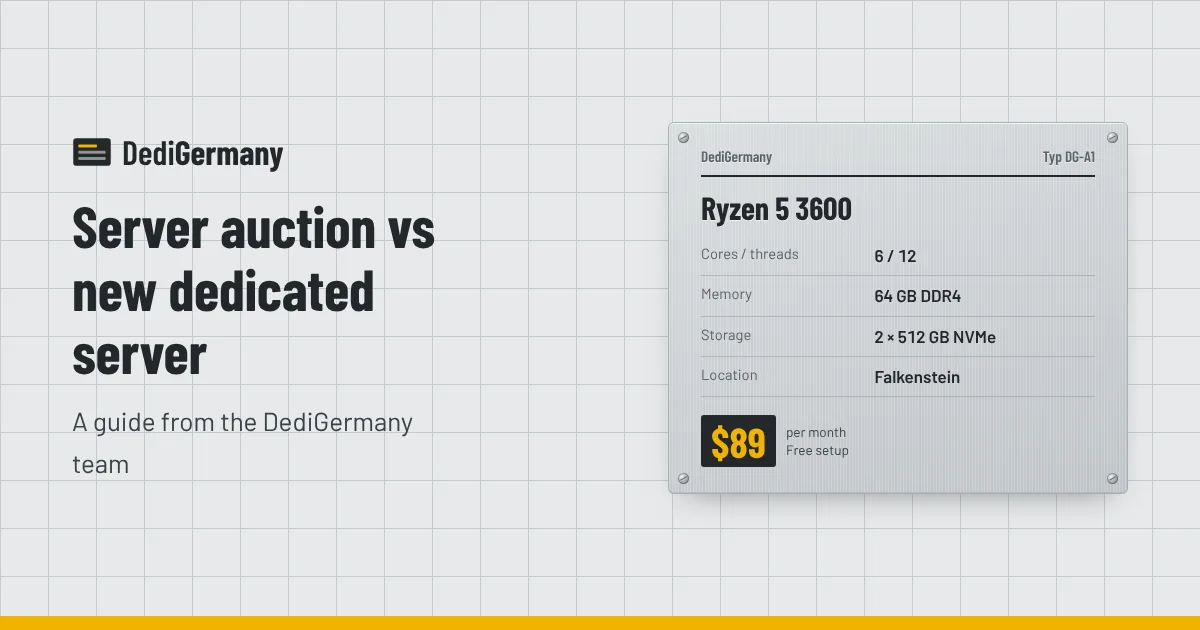
| Ryzen 5 3600 | 64 GB DDR4 | No | $89/mo, setup $0 |
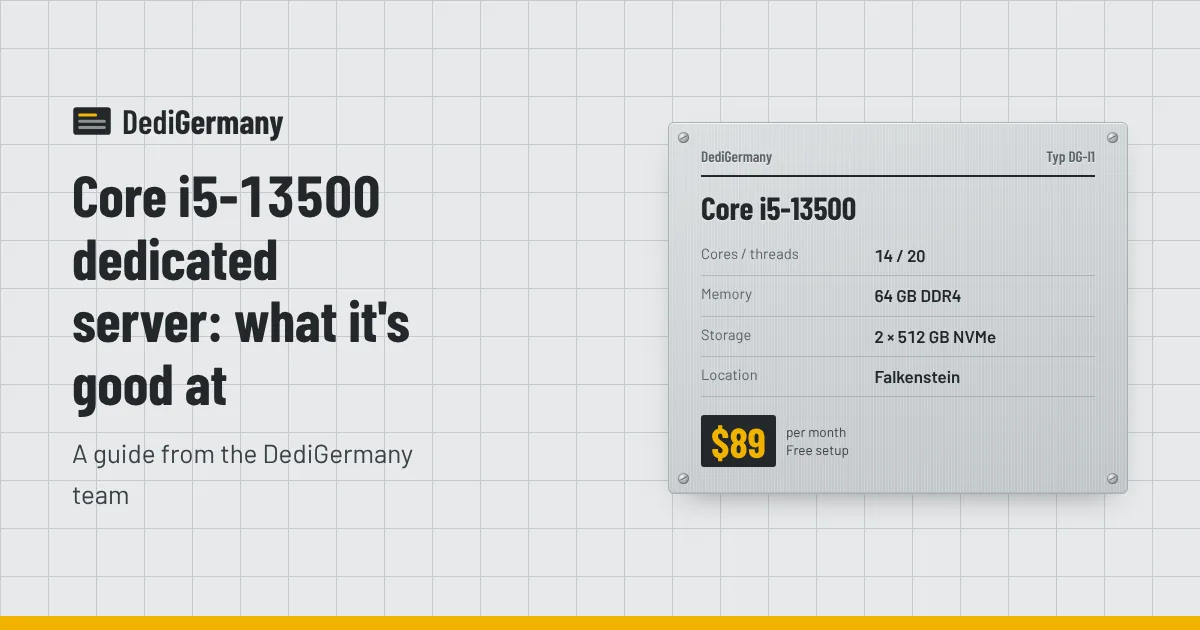
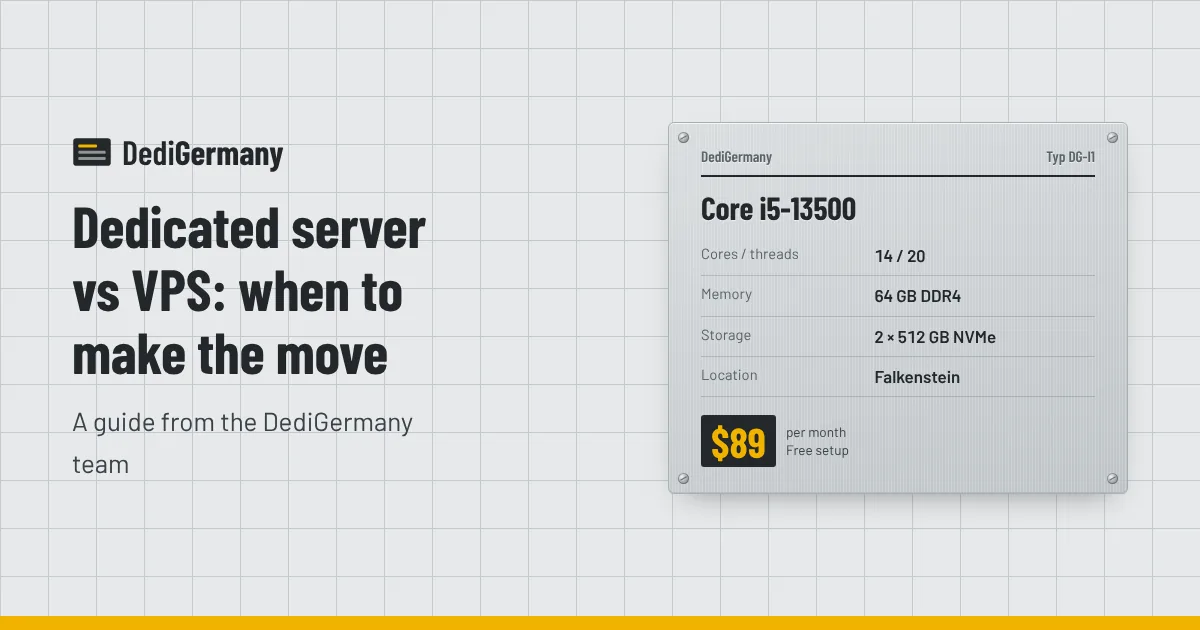
| Core i5-13500 | 64 GB DDR4 | No | $89/mo, setup $0 |
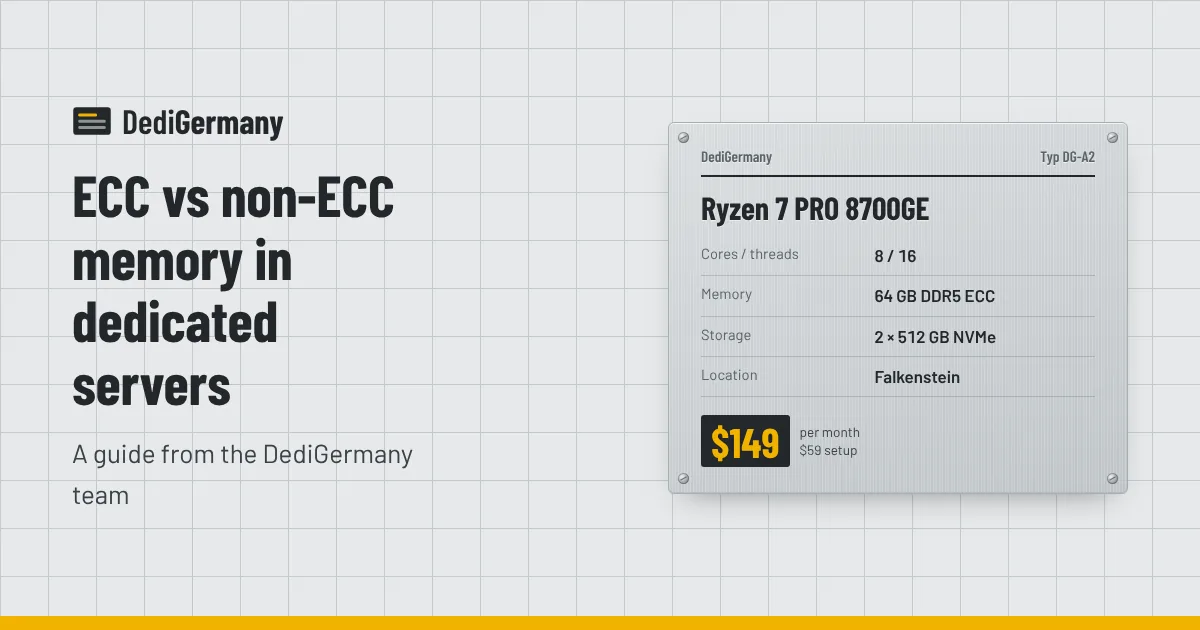
| Ryzen 7 PRO 8700GE | 64 GB DDR5 ECC | Yes | $149/mo, setup $59 |
| Core Ultra 7 265 | 64 GB DDR5 ECC (max 192 GB) | Yes | $229/mo, setup $89 |
| Ryzen 9 7950X3D | 128 GB DDR5 ECC | Yes | $389/mo, setup $159 |
| EPYC 9454P | 128 GB DDR5 ECC Reg (max 512 GB) | Yes, registered | $929/mo, setup $369 |
| Xeon Gold 6731P | 128 GB DDR5 ECC Reg (max 256 GB) | Yes, registered | $839/mo, setup $339 |
Every storage server has ECC memory: the 64 TB and 128 TB models use 128 GB of DDR4 ECC, and the 308 TB model uses 256 GB of registered DDR4 ECC. All three Dell PowerEdge servers use registered DDR5 ECC.
GPU servers are a mixed case. Every RTX PRO card has ECC on its GDDR7 VRAM, but the host memory differs: the RTX PRO 4000 and standard RTX PRO 6000 servers use non-ECC system RAM, while the Xeon-based RTX PRO 6000 servers use registered ECC.
ECC vs non-ECC memory: when ECC matters
ECC earns its cost whenever bad data in memory can become bad data on disk, or when one crash affects many people.
- Databases. PostgreSQL, MySQL and similar engines cache pages in RAM and write them back. A flipped bit in a cached page can end up in your tables and replicas. For production databases, see the ECC plans on our database hosting page.
- Virtualisation. A Proxmox VE host carries dozens of guests. One memory fault can take down all of them, so ECC is a sensible baseline for a Proxmox virtualisation server.
- ZFS and file servers. ZFS checksums protect data on disk, but data is checksummed in RAM before it is written. ECC closes that gap, which is why it is widely recommended for ZFS. More on disk layouts in RAID 1 vs RAID 10 vs ZFS.
- Long uptimes and large memory. The more memory a server has and the longer it runs without reboot, the more opportunities for an error. Servers with 128 GB or more running for months are exactly where correction is useful.
- Customer-facing hosting. If you resell hosting or run client sites, a random crash is a support ticket and a reputation cost.
When non-ECC is fine
Non-ECC memory is not unreliable; it just has no safety net. It is a reasonable choice when:
- The workload is stateless or easy to rebuild, such as CI runners, build agents, crawlers or test environments.
- You run game servers where a rare restart is an annoyance rather than a data loss. The non-ECC Core i5-13500 is a good fit for Minecraft, CS2 and Rust servers.
- Data lives elsewhere and the server only processes it, for example a stream relay or a cache in front of a primary database on ECC hardware.
- Budget is tight and you have good backups.
The price of ECC on our range
The step from non-ECC to ECC is the step from the $89 entry plans to the Ryzen 7 PRO 8700GE at $149 a month plus a $59 setup fee. That is $60 more per month, and you get more than just ECC: DDR5 instead of DDR4, 8 cores with a 5.1 GHz boost and a newer platform. For most production workloads that gap is small compared with the cost of one corrupted database or an unplanned outage.
If you need more memory, the Core Ultra 7 265 takes up to 192 GB of DDR5 ECC, and the EPYC 9454P goes to 512 GB of registered ECC. See AMD vs Intel dedicated servers for how the platforms compare beyond memory.
How to confirm ECC is working
Once your server is online, you can check from Linux that ECC is active:
sudo dmidecode -t memory | grep -i "error correction"
sudo apt install rasdaemon
sudo ras-mc-ctl --summary
The first command should report a type such as "Multi-bit ECC" or "Single-bit ECC" rather than "None". rasdaemon records corrected and uncorrected errors over time. A steady trickle of corrected errors on one module is a sign it is failing; open a ticket and our 24/7 on-site team can replace the hardware.
Ready to choose? Compare memory, ECC and price for every configuration on our dedicated server plans page.