Choosing a dedicated server for reseller hosting
The right dedicated server for reseller hosting has fast cores for PHP, ECC memory, datacenter-grade NVMe and enough room to grow, and it costs a fraction of what you can charge for the accounts on it. This guide covers how to size your first node, what to budget for control panel licences, how to make the service fully white-label and how to scale once the first server fills up.
Why run your own server instead of a reseller plan
Shared reseller plans are an easy start, but they come with limits you cannot change: someone else's control panel settings, someone else's neighbours on the same machine and someone else's support queue. A dedicated server gives you root access, predictable performance and your own IP addresses. You decide the PHP versions, the mail setup, the backup policy and the price of every package. The trade-off is responsibility: you are now the system administrator, or you pay for one.
Sizing a dedicated server for reseller hosting
Typical hosting workloads are WordPress, WooCommerce, small PHP applications, MySQL or MariaDB, and email. That mix is mostly single-thread bound per request, but busy servers handle many requests at once, so you want a reasonable number of fast cores, plenty of RAM for database and page caches, and NVMe storage for low latency.
| Plan | CPU | RAM | Storage | Price | Good for |
|---|---|---|---|---|---|
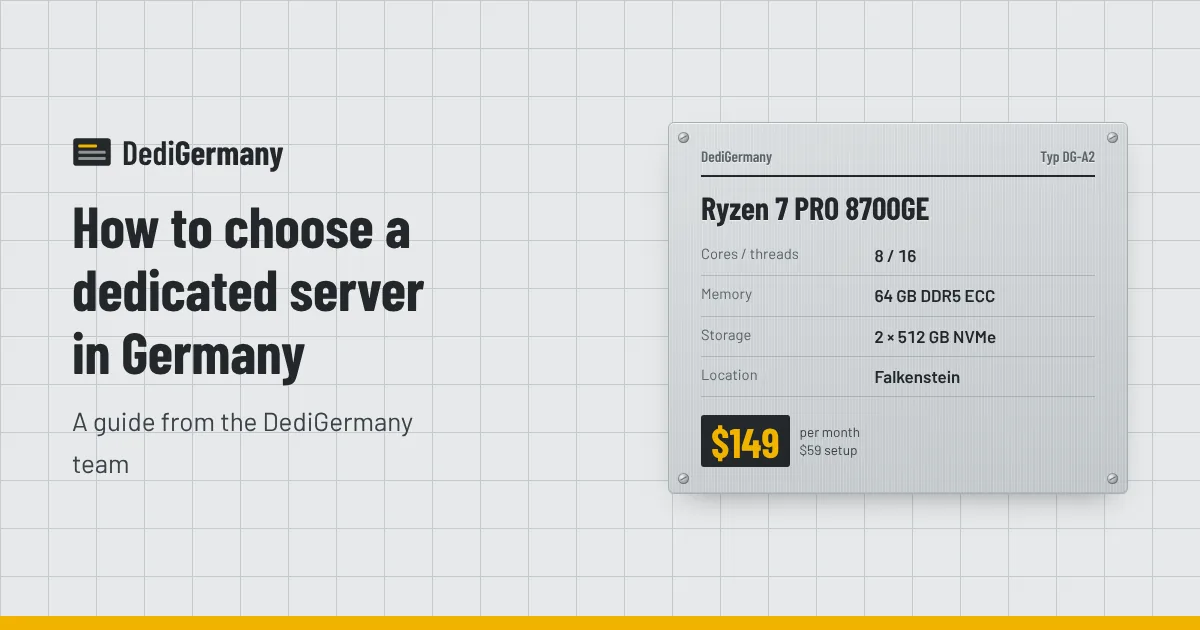
| Ryzen 7 PRO 8700GE | 8c/16t, 5.1 GHz | 64 GB DDR5 ECC | 2 × 512 GB NVMe | $149/mo + $59 setup | First node, small client base |
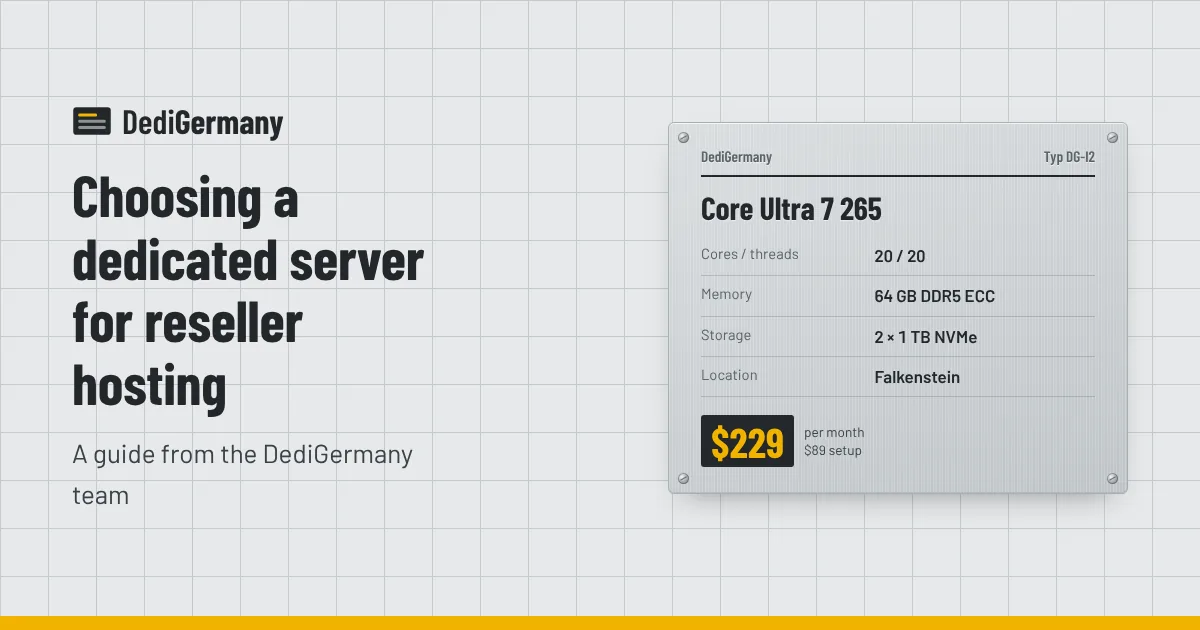
| Core Ultra 7 265 | 20c/20t, 5.3 GHz | 64 GB DDR5 ECC, up to 192 GB | 2 × 1 TB NVMe, up to 4 × 3.84 TB NVMe DC | $229/mo + $89 setup | Growing node with room to upgrade |
| Ryzen 9 7950X3D | 16c/32t, 5.7 GHz | 128 GB DDR5 ECC | 2 × 1.92 TB NVMe DC, up to 2 × 7.68 TB | $389/mo + $159 setup | Busy node with heavy databases |
For most new hosting brands, the Core Ultra 7 265 is the natural first node. It has ECC memory, 20 cores and an upgrade path to 192 GB and four NVMe drives, so you can grow inside the same machine before you need a second one. If disk space is the constraint rather than CPU, storage upgrades are where to spend first: hosting customers fill disks with backups, email and media faster than they use CPU.
ECC memory matters here because you are storing other people's data. Our comparison of ECC vs non-ECC memory explains why.
Control panel licences: cPanel or Plesk
The control panel is the product your customers actually touch, and its licence is a recurring cost you must build into your prices. Both main options are licensed per server and bought from the vendor or an authorised licence reseller. Check current prices directly, as both vendors have changed their models over the years.
- cPanel and WHM: the most familiar panel for shared hosting customers. WHM lets you create packages and sub-reseller accounts. Licences are tiered by the number of accounts on the server, so your cost per server rises as you add customers.
- Plesk: runs on Linux and Windows Server and is licensed by edition. It is a good fit if you want to host ASP.NET sites alongside PHP. For a Windows node, add our Windows Server 2025 Standard licence, from $39/mo.
- Open-source panels: there are free alternatives with no licence cost, at the price of a smaller ecosystem and less familiarity for customers.
A practical rule: calculate your per-account cost as (server + panel licence + backups + extra IPs) divided by realistic account count, then price your entry plan comfortably above it.
Making it white-label
With a dedicated server, nothing about the service needs to mention us. A typical white-label setup includes:
- Your own nameservers: register ns1 and ns2 hostnames on your brand domain and point them at your server. Extra IPv4 addresses are $3/mo each if you want the nameservers on separate IPs.
- Branded server hostname: set the hostname to something like server1.yourbrand.com, and use it for the panel login and mail.
- Panel branding: both cPanel and Plesk let you apply your own logo and colours.
- Billing and support: a billing system such as WHMCS automates sign-ups, invoices and account provisioning with your panel.
- Dedicated IPs for customers who need them: a /29 subnet costs $25/mo and gives you a pool for SSL-dependent or mail-sensitive clients.
Hosting your node in Germany also helps when you sell to European clients, who often ask where their data lives. Our post on why host in Germany covers the GDPR angle.
Backups and reliability
Customers will forgive a slow afternoon. They will not forgive lost data. Every server uses mirrored NVMe in RAID 1, the datacenters provide 24/7 on-site hardware replacement, and the network carries a 99.9% availability SLA. That still leaves backups as your job:
- Run the panel's own backup system nightly and keep copies off the server. Our 1 TB backup storage add-on costs $6/mo.
- Once you have several nodes, a dedicated backup target such as the Storage 64 TB server ($239/mo) keeps longer retention for all of them.
- Monitor disk health, load and mail queues, and alert before customers notice.
Scaling beyond the first node
Do not wait until the first server is full. When it reaches a comfortable working level, add a second node and put new sign-ups there. Spreading customers across nodes limits the impact of any single problem and keeps migrations small. As you grow, consider separating roles: a dedicated database server, a mail server, or a larger node such as the Ryzen 9 7950X3D for the busiest clients. There is no minimum term on any plan, and most servers are online within 24 hours, so adding capacity is a monthly decision rather than a long commitment.
If you would rather not administer the servers yourself, the managed support add-on at $49/mo covers that side while you focus on sales and customers.
Get started
See our reseller hosting server page for recommended configurations, read the broader guide to choosing a dedicated server in Germany, or contact us if you want help planning your first nodes.